AI Agents · July 27, 2026 · 4 min read
Auto Select: The Right Model for Every Task
Most chat products lock you to one model at one price. Kolo's Auto Select routes each task to the best-fit model, or you can pin one per person or group, with spend limits.
By The Kolo Team, Kolo AI
One model for everything is a hidden tax
Pick a chat product today and you inherit its model. Whatever the maker ships is what answers your one-line question, drafts your quarterly report, and reasons through your hardest problem, all at the same rate and the same speed. That works when every task looks alike. Real work does not look alike. A chunk of it is a quick lookup, some of it is careful multi-step planning, and paying frontier prices for the lookup is money spent for nothing in return.
Kolo takes a different path. Rather than tying you to a single model, it gives you a menu and a smart default called Auto Select, so each task runs on a model sized to it.
What Auto Select does
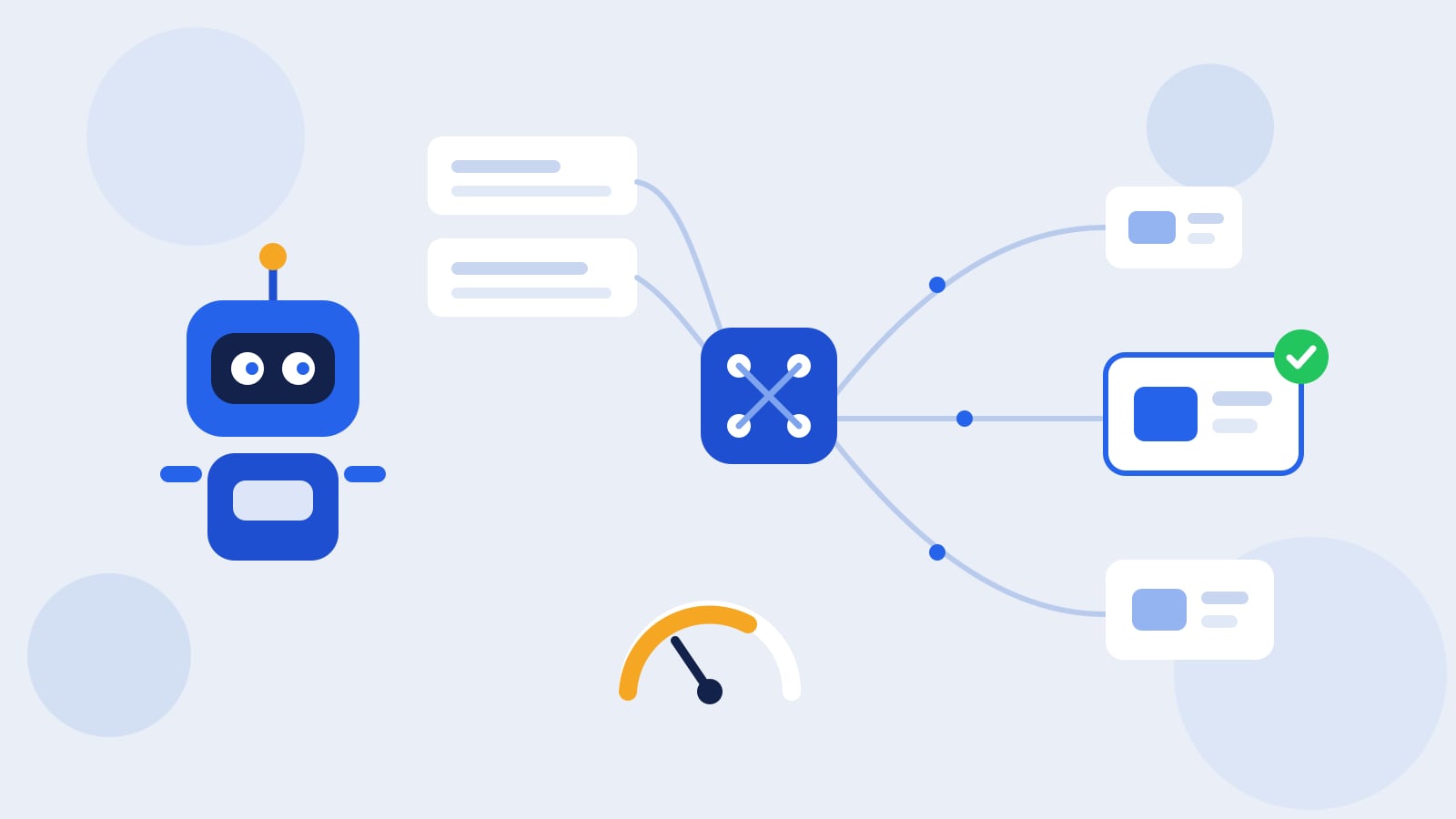
Auto Select reads the task in front of it and routes it to the best-fit model for that job. A short, routine request can go to a fast, inexpensive model. A dense reasoning task can go to a stronger frontier model that earns its higher cost. You do not tag anything or flip a switch between requests. The routing happens per task, in the background, so a day's worth of mixed work is not billed as if all of it were the hardest thing you did.
The result is quieter than it sounds. You brief Kolo the same way you always would, and behind the scenes the right engine picks up each piece.
Pin it, or let it choose
Auto Select is a default, not a cage. In Kolo, model choice is set per person or per group. Leave it on Auto Select and Kolo decides task by task. Or pin a specific model for one person or a whole team when you want predictability, for example keeping a particular Claude model on a compliance-sensitive workflow so every run behaves the same way. Claude models are always available; the wider menu is there so you can match cost and capability to the job instead of accepting one setting for all of it.
Group-level control matters here. An operations team running high-volume, repetitive work can sit on a lean setup, while a team doing deep analysis leans on stronger models, all inside the same shared workspace.
Why the single-model default costs you
The reason this matters is the price spread between models. As of mid-2026, published API prices for large language models range well over 100x from the cheapest capable models to the most expensive frontier tiers, according to industry pricing roundups. Running every task on a top-tier model means paying that premium even for work a far cheaper model would finish just as well.
Routing is how you stop overpaying without giving up quality. Independent analyses of model routing report that sending each request to the cheapest capable model can cut inference cost substantially while holding output quality close to steady on many tasks (routing overview). Smaller and open-weight models have closed a lot of ground too; for a growing set of everyday jobs like classification, extraction, and short drafting, they now compete with frontier models at a fraction of the cost (reporting on small models). Auto Select puts that idea to work for you without asking you to become a routing engineer or babysit a model picker.
A ceiling, not just an average
Routing lowers cost on average, but leaders usually want a ceiling, not an average. Kolo pairs model choice with monthly spending limits you can set per person or per group. So a team can run on Auto Select for efficiency and still operate under a hard budget that Kolo respects. You keep the savings from routing and get a number you can put in a plan.
The guardrails do not move
Changing models per task does not loosen anything around the work. Whichever model runs a given step, Kolo's risk-tiered approvals still apply: it scores each action low, medium, or high risk, lets routine low-risk steps proceed, and pauses the consequential ones for a person to sign off. Every action lands in the same exportable audit trail, so you can see what happened regardless of which model did it. The engine can change from task to task; the accountability around it stays fixed.
When to pin and when to leave it on Auto
- Leave it on Auto Select for the everyday mix, where most requests are routine and a few are hard. This is where routing pays off most, because it stops charging frontier rates for lookup-sized work.
- Pin a model when you need run-to-run consistency, such as a regulated process where you want the exact same behavior every time and the ability to name the model in an audit.
- Pin at the group level when a whole team's workload skews one way, so their default matches the work instead of the company average.
Most teams end up using both: Auto Select for the bulk of the day, a pinned model on the handful of workflows where sameness matters more than savings.
Match the model to the work
The point is not to crown one best model and use it for everything. It is to stop paying frontier prices for quick work while still reaching for the strongest model when a task earns it. Auto Select makes that the default, set per person and per group, with a spending limit you control and an audit trail that records every step no matter which model ran it. See how model choice and cost control would work for your team and Book a Demo.
Frequently asked questions
What is Auto Select?
Auto Select is Kolo's model orchestration. Instead of sending every request to one fixed model, it reads the task and routes it to the best-fit model for that job, a fast inexpensive model for routine work and a stronger model for hard reasoning, without you switching anything by hand.
Can I force Kolo to use a specific model?
Yes. Auto Select is a default, not a lock. You can pin a specific model per person or per group when you want run-to-run consistency, and switch back to Auto Select whenever you like. Claude models are always available in Kolo.
Does routing some tasks to a cheaper model lower quality?
The goal is to use a cheaper model only where it performs comparably, and to reserve stronger models for tasks that need them. Independent research on model routing has found that matching each request to the cheapest capable model can hold quality steady on many everyday tasks. For anything sensitive, you can pin a model so the behavior is fixed.
How do spending limits work with Auto Select?
You can set monthly spending limits per person or per group. That means a team can run on Auto Select for efficiency and still operate under a hard budget you define, so you get the cost benefit of routing plus a number you can plan around.