Guides · September 17, 2026 · 4 min read
Connect Your Stack: Getting Value From 150+ Integrations
An AI employee is only as useful as the tools it can reach. How to decide what to connect first, why breadth compounds, and how approvals keep it in check.
By The Kolo Team, Kolo AI
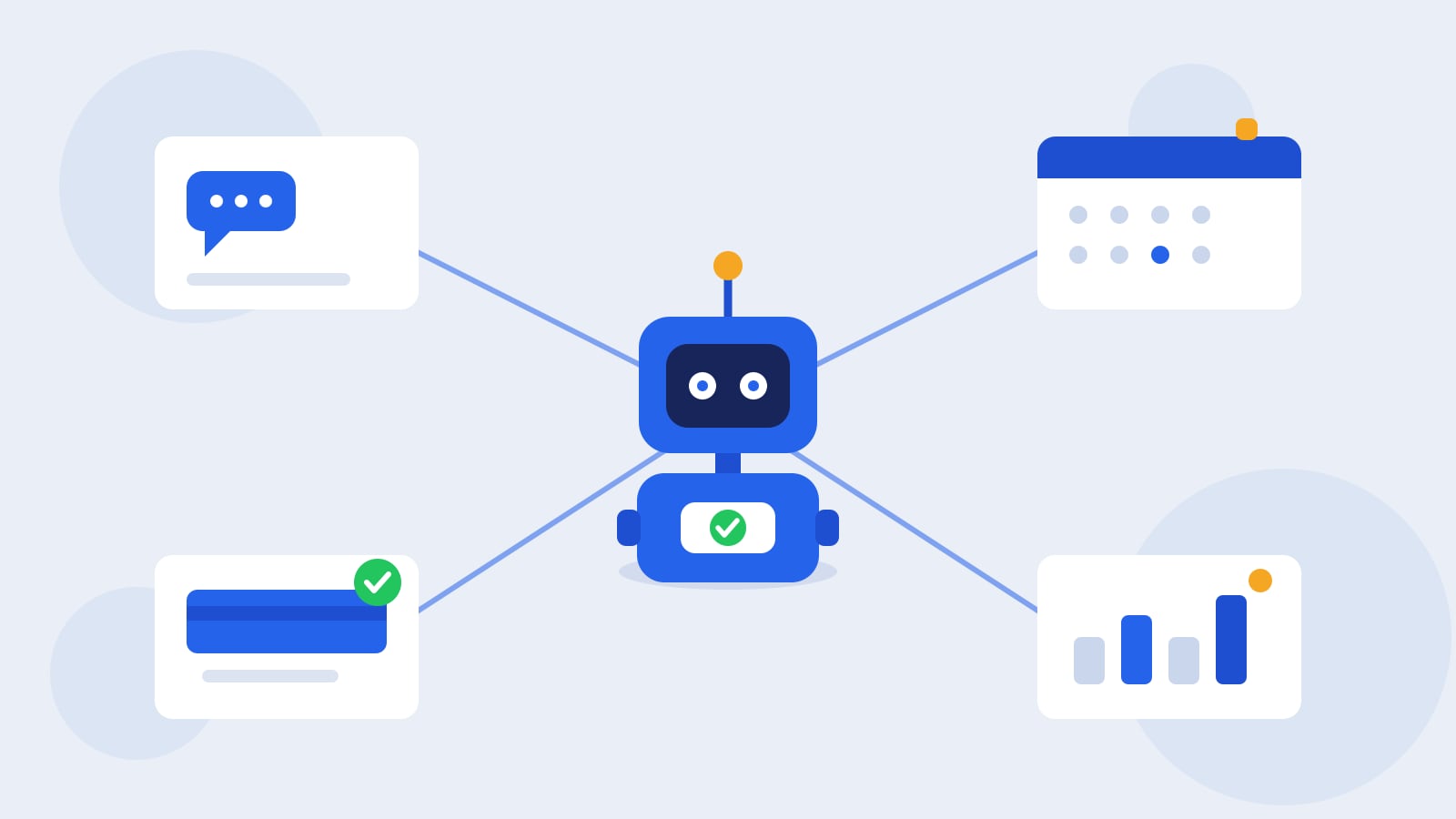
An AI employee is only as useful as the tools it can reach
Picture a new hire on their first morning. Sharp, motivated, ready to work. Now picture that you have not given them a login to anything yet: no email, no calendar, no access to the books or the point of sale. They can answer questions from memory and draft a document, but they cannot pull last week's numbers, send the invoice, or check whether the payment cleared. The person is capable. The reach is what is missing.
Your Kolo starts the same way. Out of the box, your Kolo can think, write, and plan. What turns a smart chat into a working employee is the set of tools you connect. Kolo works across 150 plus integrations, from Stripe and Outlook to Slack, Gmail, Google Drive, and QuickBooks, and every Kolo plan ships with unlimited connections. So the question is rarely whether the tool you use is supported. It usually is. The real questions are which tools to connect first, and why connecting more than one changes what your Kolo can actually do.
Start with the tools your day already runs on
The fastest way to get value is to connect the systems you personally touch most, not the ones that sound the most impressive. For most people that is a short list: where your messages live, where your calendar lives, and the one system of record your job depends on. A bookkeeper connects the accounting platform first. A shop owner connects the store and the payment processor. A sales lead connects the CRM and email.
Connect those, and your Kolo stops asking you to paste in context and starts reading it. Ask for this week's pipeline and your Kolo looks, instead of waiting for you to describe it. That first connection is where a Kolo shifts from a helpful assistant you have to brief into an employee that already knows where things are.
Why breadth compounds
One integration is useful. The real return shows up when two or three tools are connected at once, because the work you actually do rarely lives inside a single app. It moves between them.
Take the finance example from Kolo's hospitality Skill Pack. Connect expense tracking, a bank feed, and your accounting platform together, and a task that used to span three logins becomes one request. Your Kolo can read a new expense, match it against the bank transaction that paid for it, categorize it, and post it to the books, then flag anything that does not line up. No single tool gets you there. Expense tracking without the books is just a list; the books without the bank feed is manual data entry. Connected, the three of them close a loop.
That pattern repeats across every function. A lead arrives through a form, gets logged in the CRM, and kicks off a follow-up email, all in one motion, because your Kolo can reach all three. Each tool you add does not only do its own job; it becomes something the others can hand work to. Breadth is not about the size of the number on a marketing page. It is about how many of your own steps happen without you moving between tabs.
Connecting a tool is a Team Member's call
There is a common assumption that wiring up software is an admin-only chore, something you file a ticket for and then wait on. In Kolo, connecting an integration is available to any active Team Member, from their own Settings, under Integrations. The person who lives in a tool is usually the right person to connect it, and they do not have to route the request through IT to get moving.
That matters for adoption. A team gets value from Kolo at the speed its Team Members can connect their own tools, not at the speed of a central project plan. Everyone has their own Kolo inside the shared workspace, and each person brings the systems they work in.
Approvals still decide what happens next
Connecting a tool is not the same as handing over the keys. A connection gives your Kolo the ability to read and act in a system. Risk-tiered approvals decide which of those actions run on their own and which pause for a person. Kolo scores each action low, medium, or high risk. Pulling a report or drafting a message keeps moving. Sending that message to a customer, moving money, or changing a live record waits for sign-off. And every action Kolo takes with real-world effect, on any connection, lands in your full, exportable Audit Trail, so you can see later exactly what ran in which tool and who approved it.
So breadth and control are not a trade-off. You can connect widely and still keep a firm hand on the actions that carry consequences, because the guardrails sit at the action, not at the connection.
Where to start
Pick the one tool you open most and connect it today. Then add the second one it constantly needs to talk to: the email beside the CRM, the bank feed beside the books. You will feel the shift on that second connection, when your Kolo stops needing you to move information between two places and starts doing it for you. Keep going one tool at a time, and the workspace where you already work becomes the workspace where the work gets done, across the web app, mobile, Slack, and SMS.
To see what your Kolo could do across the tools you already run on, Book a Demo.
Frequently asked questions
How many integrations does Kolo support?
Kolo works across 150 plus tools, and every Kolo plan ships with unlimited connections. What matters more than the headline number is whether your specific tools are supported, and most common business software is.
Do I need to be an admin to connect a tool?
No. Any active Team Member can connect an integration from their own Settings, under Integrations. The person who lives in a tool is usually the right person to connect it, so nobody has to wait on a central rollout.
What is the difference between an integration and a Skill?
Integrations are the tools Kolo connects to, like Stripe, Slack, or QuickBooks. Skills are the workflows Kolo runs using those tools, like a weekly report or a client intake. Connect the tools, then let Skills do repeatable work across them.
Does connecting a tool let Kolo act without asking?
No. A connection lets your Kolo read and act in a system, but risk-tiered approvals still pause the higher-risk actions for sign-off, and every action Kolo takes with real-world effect lands in your full, exportable Audit Trail.