Guides · August 3, 2026 · 4 min read
From a Solo Chat to a Team Group Thread in Kolo
Kolo starts like any solo chat, one person and one thread. From the sidebar you can turn it into a Group Thread, add Team Members with roles, and pool their Skills.
By The Kolo Team, Kolo AI
It starts like any chat you have used
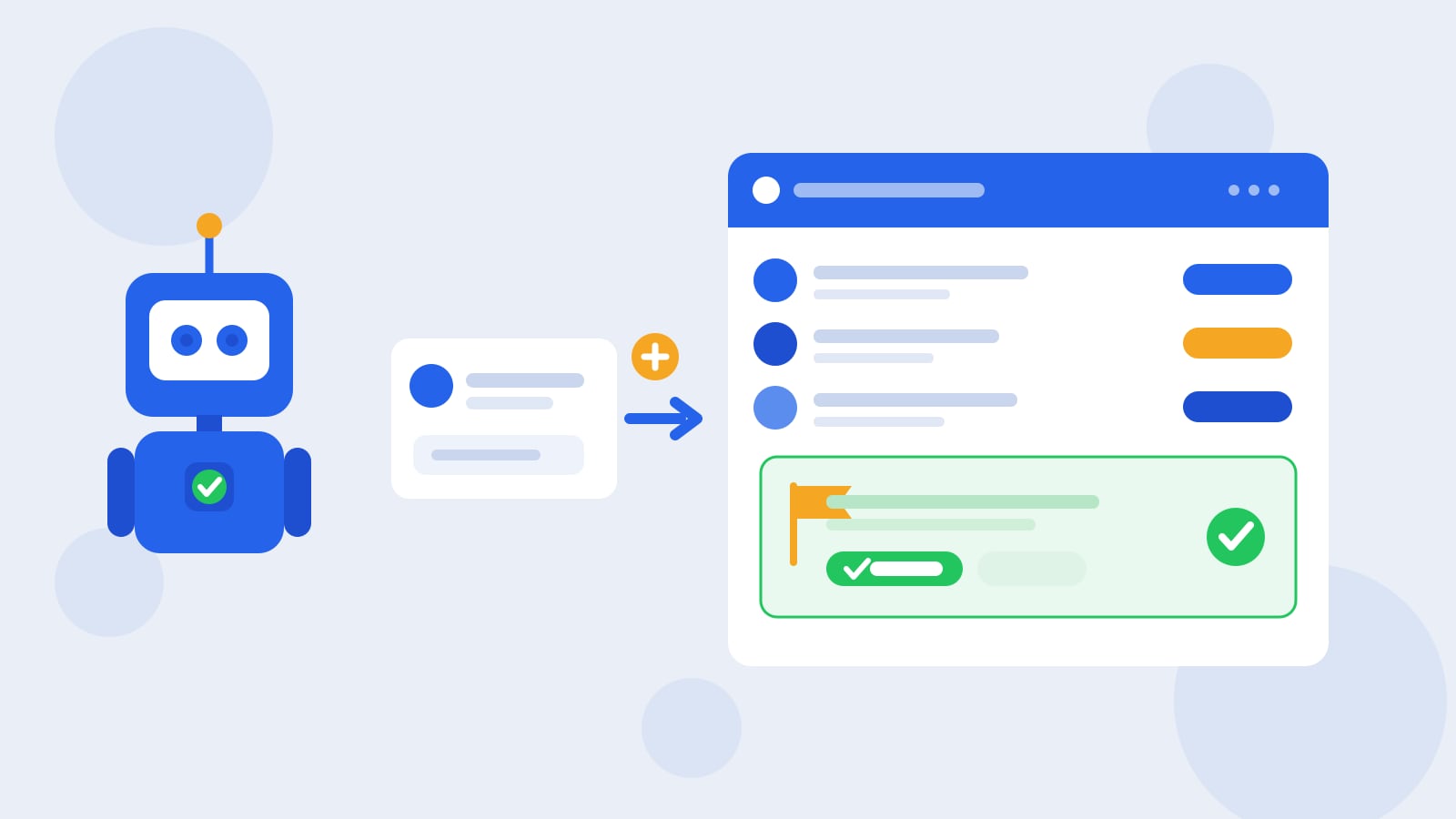
Open Kolo for the first time and it feels familiar. One person, one thread, a cursor waiting for a request. You type what you need, Kolo does the work, and the conversation reads a lot like the frontier chat tools you already know. That is the on-ramp on purpose. Nobody should need a manual to send their first message.
The part that is easy to miss is what that thread can become. A solo conversation in Kolo is not a dead end. From the sidebar you can invite Team Members into it, give them roles, and the same thread turns into a shared room where a whole group gets work done together. Here is how that shift happens, and why it changes what the AI can actually do for you.
Turning a solo thread into a Group Thread
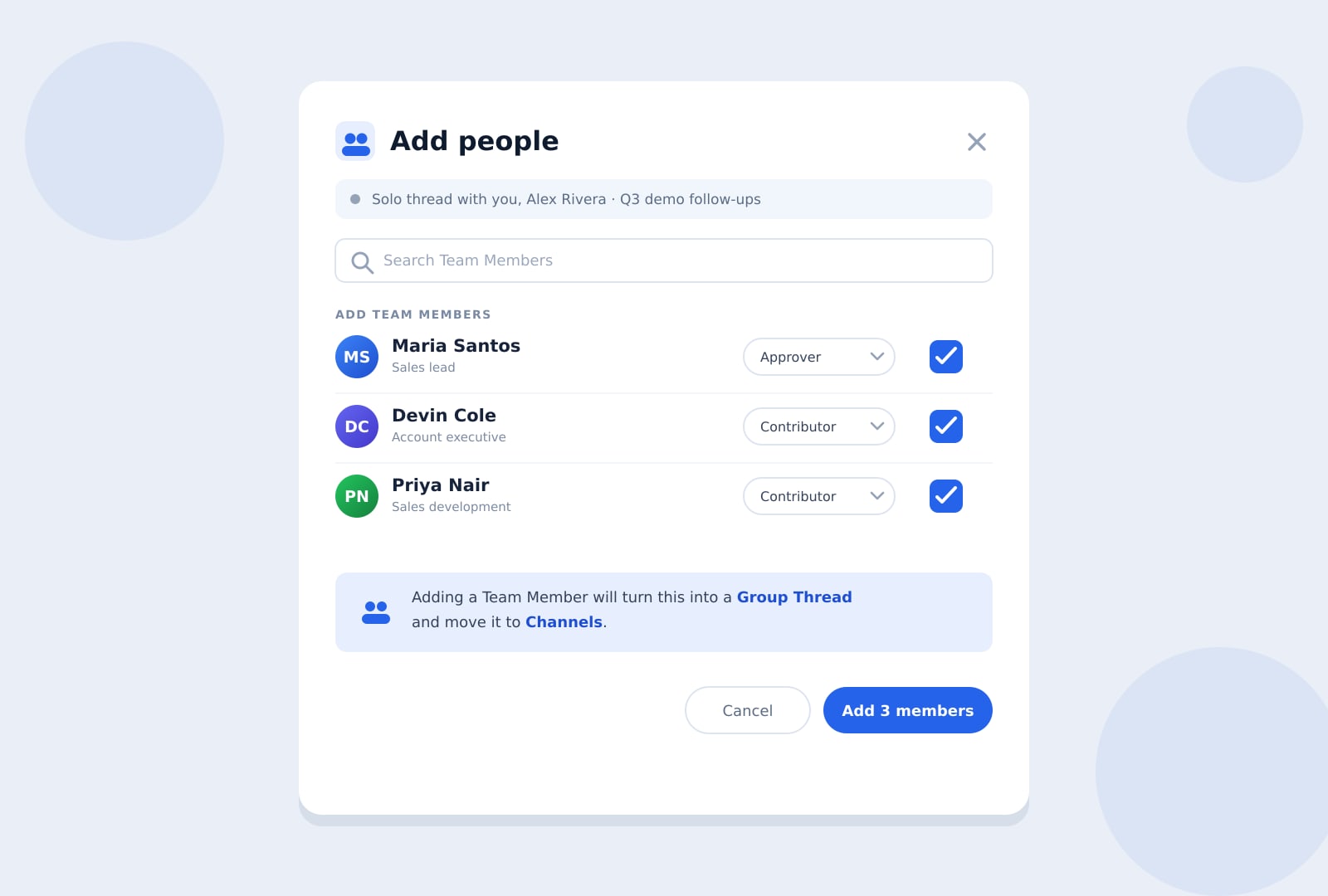
The change is one action, not a migration. Open the people control on your thread, search for a Team Member, and add them. Kolo shows a short notice that the moment you add someone the conversation becomes a Group Thread and moves into Channels, where the whole team can find it. Nothing you already discussed is lost. The history, the context, and any work in flight carry straight into the shared version.
Because adding a Team Member is additive and low risk, it commits without a heavy approval step. You are opening a door, not handing over the keys, and Kolo treats it that way.
Roles decide who can do what
Bringing people in is not a free-for-all. When you add a Team Member you assign a role, and the role sets what they can do in the workspace. The roles you assign are Admin, Approver, and Contributor. A Contributor can brief Kolo and push work forward. An Approver can sign off on the actions Kolo flags for review. An Admin manages the team and its settings.
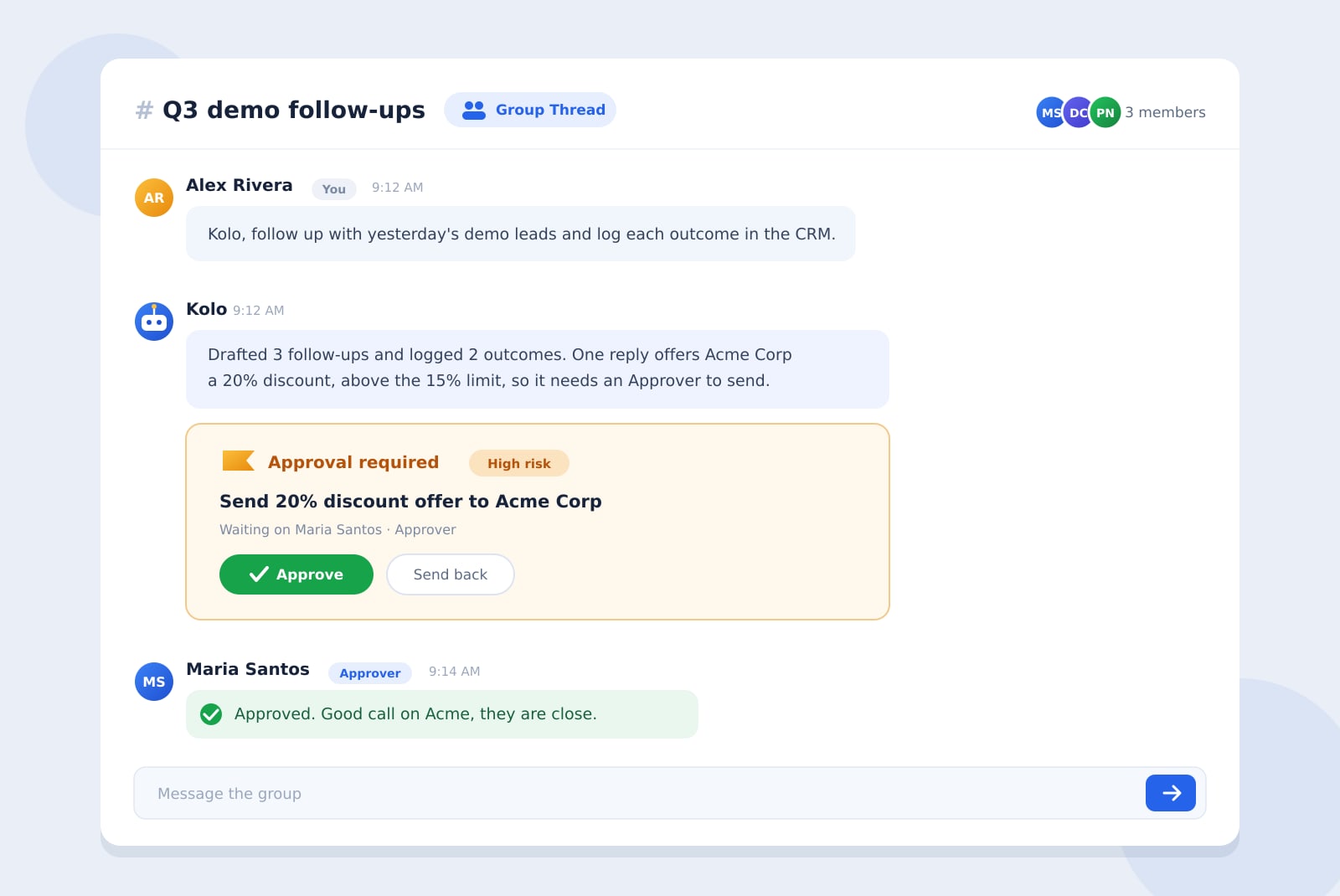
That structure is what makes a shared thread safe to open up. You can pull a newer Team Member in to draft and research without worrying they will set off something consequential, because the higher-risk actions still route to an Approver. This is the same risk-tiered model Kolo runs everywhere. It scores each action low, medium, or high risk, lets the routine steps proceed, and pauses the important ones for a person with the right role to sign off. High-risk actions can require a co-approver, and in a group thread that second sign-off happens right where everyone can see it.
Everyone's Skills come into the room
The quiet upgrade in a group thread is Skills. A Skill is a workflow someone has codified so Kolo can run it on demand, and Skills are shared company assets rather than personal tricks. When Team Members join a thread, their Skills come with them, so the group can reach for any of them without rebuilding a workflow from scratch.
That means the person who wrote a tight lead-follow-up Skill and the person who built a clean weekly-reporting Skill can now put both to work in the same conversation. The capability compounds. And because Skills belong to the company, they stay when someone moves on, so the group keeps the workflow even after the person who first built it has gone.
A before and after
Picture a solo thread where a sales lead has been asking Kolo to chase yesterday's demo leads and log outcomes in the CRM. It works, but it is one person's view of one slice of the pipeline.
Now turn it into a Group Thread. The sales lead adds two Contributors from the team and an Approver who owns discounting. One Contributor brings a Skill that drafts tailored follow-ups. The other brings a Skill that pulls deal history from the CRM. When a follow-up wants to offer a discount above the usual limit, Kolo flags it as higher risk and the Approver signs off in the same thread. What was one person nudging leads is now a small group running the whole follow-up motion together, with every step on the record.
The same guardrails, now shared
Opening a thread to the team does not loosen anything. Every action Kolo takes in a Group Thread is written to the full, exportable Audit Trail, filterable after the fact, so you can see what happened and who approved it. Approvals still gate the consequential moves. The difference is that the visibility is shared. Instead of one person holding the whole picture, the group and its leaders can watch the work as it moves, without anyone copying updates into another tool.
How to try it
Start where you already are. Use Kolo solo for a real task until the thread has some substance, then add a Team Member from the sidebar, give them a role, and watch the conversation become a shared room. From there the group can brief Kolo together, pool their Skills, and keep the higher-risk actions under review, all in one thread that reaches the web workspace, the mobile app, Slack, and SMS.
To see what running your team this way looks like, Book a Demo.
Frequently asked questions
Do I lose my conversation when a solo thread becomes a group thread?
No. Adding a Team Member converts the thread in place and moves it to Channels. The history, the context, and any work in progress carry into the shared version, so nothing you already discussed is lost.
Can everyone I add do anything in the thread?
No. You assign each Team Member a role (Admin, Approver, or Contributor), and the role sets what they can do. Contributors move work forward, Approvers sign off on flagged actions, and Kolo's risk-tiered approvals still pause the higher-risk steps for the right person.
Whose Skills can the group use?
The Skills of everyone in the thread. Skills are shared company assets, so when Team Members join, the workflows they built come with them, and those Skills stay with the company even after a person leaves.
Is a group thread still auditable?
Yes. Every action Kolo takes in a Group Thread is recorded in the full, exportable Audit Trail, and approvals still gate the consequential actions, so shared access does not mean less accountability.