Guides · August 27, 2026 · 5 min read
Multi-Location Operations: One Workspace for Every Site
Multi-unit restaurants and hotels run best when every site works the same way. Here is how one workspace gives each manager their own Kolo, keeps approvals on what matters, and rolls up every site.
By The Kolo Team, Kolo AI
When one location becomes several
Running a single restaurant or hotel is hard enough. Running five of them, or fifty, is a different job. Each site has its own manager, its own inbox, its own supplier list, and its own way of doing things that grew up over time. The reservation reminder that goes out reliably at one location quietly stops at another. The month-end numbers arrive in six different formats. And the owner or operations lead ends up driving between sites, or living in group texts, just to know what happened yesterday.
Multi-unit and franchise operators do not need one more dashboard to log into. They need every location to run the same way, with the decisions that carry weight still landing on a person's desk, and one place to see all of it. That is the shape of the problem Kolo is built for.
Each person gets their own Kolo, in one shared workspace
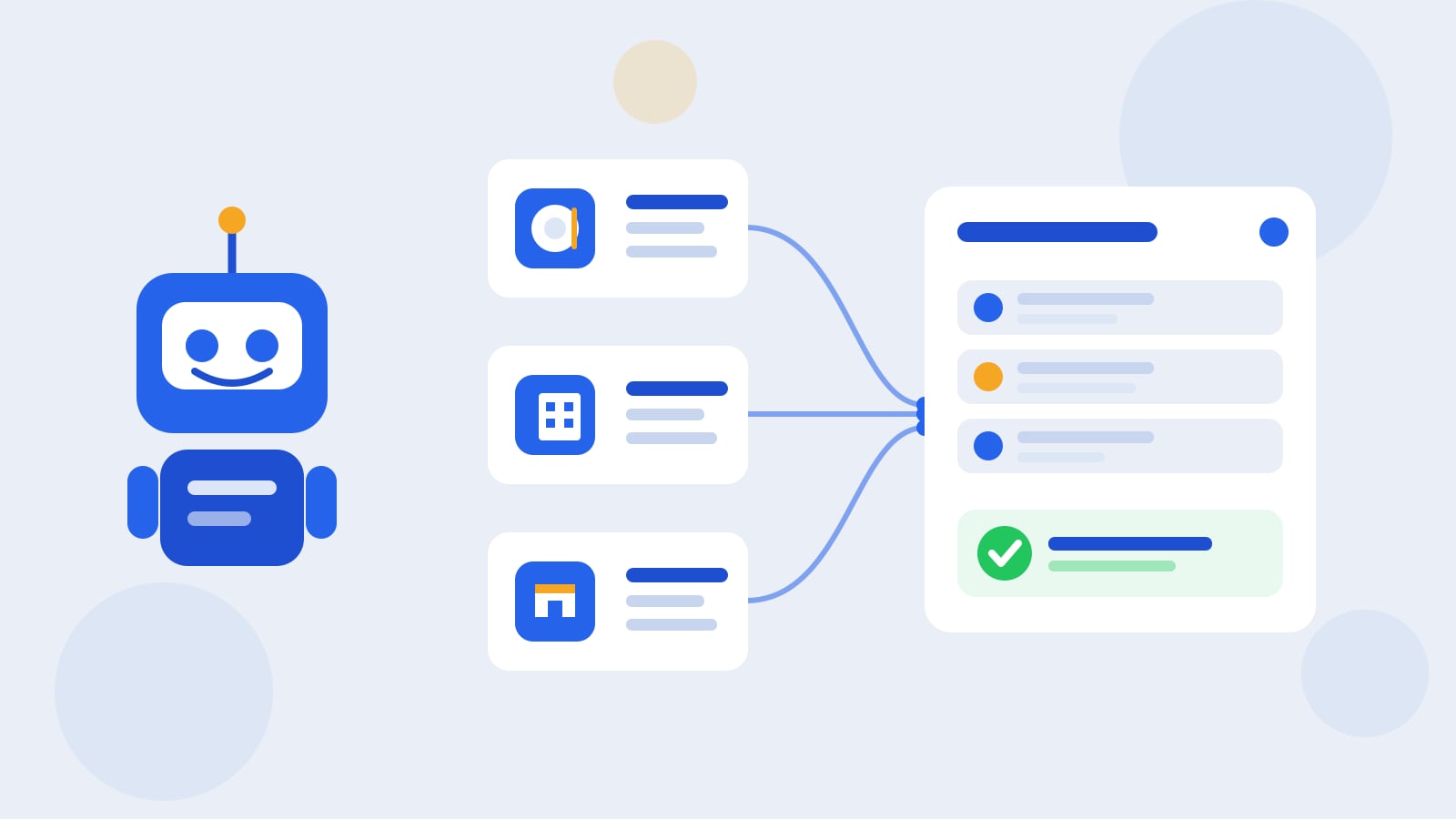
Kolo does not hand the business a single AI to share. Every Team Member gets their own Kolo, and all of them work inside one shared, role-based workspace. A general manager at your downtown hotel, the front-desk lead at the airport property, the kitchen manager at your busiest restaurant: each has an AI employee that knows their site and their job, while the organization owner sits above all of it with the full, team-wide picture.
Roles decide who does what. An Admin manages the workspace and its settings, an Approver signs off on the actions that carry risk, and a Contributor moves work forward. So a location manager can let their Kolo handle the day-to-day while the consequential calls still route to whoever owns them, whether that is the on-site manager or head office.
The same process at every site
The reason chains and franchises win is consistency, and consistency is exactly where people drift. Kolo makes it the default with Skills. A Skill is a workflow written down once so Kolo runs it the same way every time, and Skills are shared company assets rather than one manager's personal habit. Turn your reservation-reminder cadence, your supplier-reorder check, or your after-stay review request into a Skill, and every location runs the identical process. When you improve it, you improve it everywhere at once.
Because Skills belong to the company, they do not leave when a manager does. The workflow a strong operator built stays in the business and keeps running at their old location under whoever takes over.
Approvals on money and messages
Handing work to an AI across many sites only works if the important actions still pause for a person. Kolo scores every action low, medium, or high risk and stops the higher-risk ones for sign-off, while the routine steps keep moving. In practice, the two things that matter most to a multi-location operator are always gated: money movement, like paying a vendor bill or issuing a refund, and outbound messages to guests and customers. A booking confirmation drafts and waits, a payment to a supplier waits, and pulling an internal report simply happens.
Every action Kolo takes, approved or declined, lands in a full, exportable Audit Trail you can filter by Team Member, action, and time range, so pulling everything one site's manager did last month is a query, not a scavenger hunt. For an operator answerable to franchisees or owners, that record is the difference between trusting the system and hoping.
One view across every location
The hardest part of multi-unit work is simply seeing across it. Because every site runs in the same workspace, the rolled-up view comes for free for the organization owner. Through Boss Mode, the owner can ask their own Kolo plain questions, like where approvals are waiting across the team, what this month's Kolo spend looks like by member and model, or who has not been active, and get an answer without pinging six managers. The work happens at each location, and the visibility is central.
Run it from the floor
Location managers are not sitting at a desk. Kolo reaches your team through a web workspace, a mobile app, Slack, and SMS, so a manager can approve a flagged refund from the dining room or confirm a schedule change from a hallway by replying to a text. The AI employee does the chasing and drafting, and the person taps approve when it counts. Nothing about running several sites requires anyone to be parked in an office.
Standing up a new site fast
Opening a location, or bringing an acquired one onto your system, is where Skill Packs earn their keep. A Skill Pack installs a whole set of related workflows in one click instead of building them one at a time.
For hotels there are two Kolo Official packs. Hotels and Hospitality Essentials installs ten Skills across finance, marketing, and guest communication, and it works for any property. If you run on Choice Advantage (SkyTouch), a second six-Skill pack adds revenue and occupancy forecasting, reservation reconciliation, and STR benchmarking straight from the property-management system.
Restaurants draw from the same marketplace of Skills. The finance workflows (expense tracking, bank feeds, and your books), the marketing workflows (social publishing, ad analysis, and email campaigns), and the customer-messaging workflows are not hotel-specific, so they run a restaurant just as well. Pick the Skills that match how a location works, save them as your standard set, and every new site starts with your playbook already loaded rather than a blank workspace.
Where to start
Choose one process that every location shares and get it identical everywhere first. Reservation and booking reminders are a good opener: high volume, low risk, and felt right away at the front line. Prove it at one site, save it as a Skill, and roll it out to the rest. Then widen into finance and marketing through a Skill Pack, keep approvals on money and outbound messages, and watch the whole operation from one place.
To see what running every location from one workspace looks like, Book a Demo.
Frequently asked questions
We already run a POS and PMS with reporting at each site. Does Kolo replace them?
No. Kolo works across the tools you already connect, with 150 plus integrations, and acts through them rather than replacing them. Each location keeps its current systems as the record, and Kolo runs the workflows on top and rolls the results up for you.
How do I keep every location doing things the same way?
Codify each process as a Skill once, then use it at every site. Skills are shared company assets, so the same reminder cadence or reorder check runs identically everywhere, and improving it once updates all locations. A new site can install a whole set at once with a Skill Pack.
Can a location manager approve actions without being at a computer?
Yes. Kolo reaches your team over a web workspace, a mobile app, Slack, and SMS, so a manager can approve a flagged action, like a refund or a supplier payment, right from the floor by replying to a message.
Is there a starter pack for hotels specifically?
Yes. Hotels and Hospitality Essentials is a one-click pack of ten Skills across finance, marketing, and guest communication, and it fits any hotel. Properties on Choice Advantage (SkyTouch) can add a second six-Skill pack for revenue forecasting, reservation reconciliation, and benchmarking.