Guides · August 31, 2026 · 5 min read
Turn a Repeatable Workflow Into a Skill
Stop re-explaining the same task. Codify a process you repeat into a Kolo Skill once, and your team runs it the same way every time, with approvals and the Audit Trail intact.
By The Kolo Team, Kolo AI
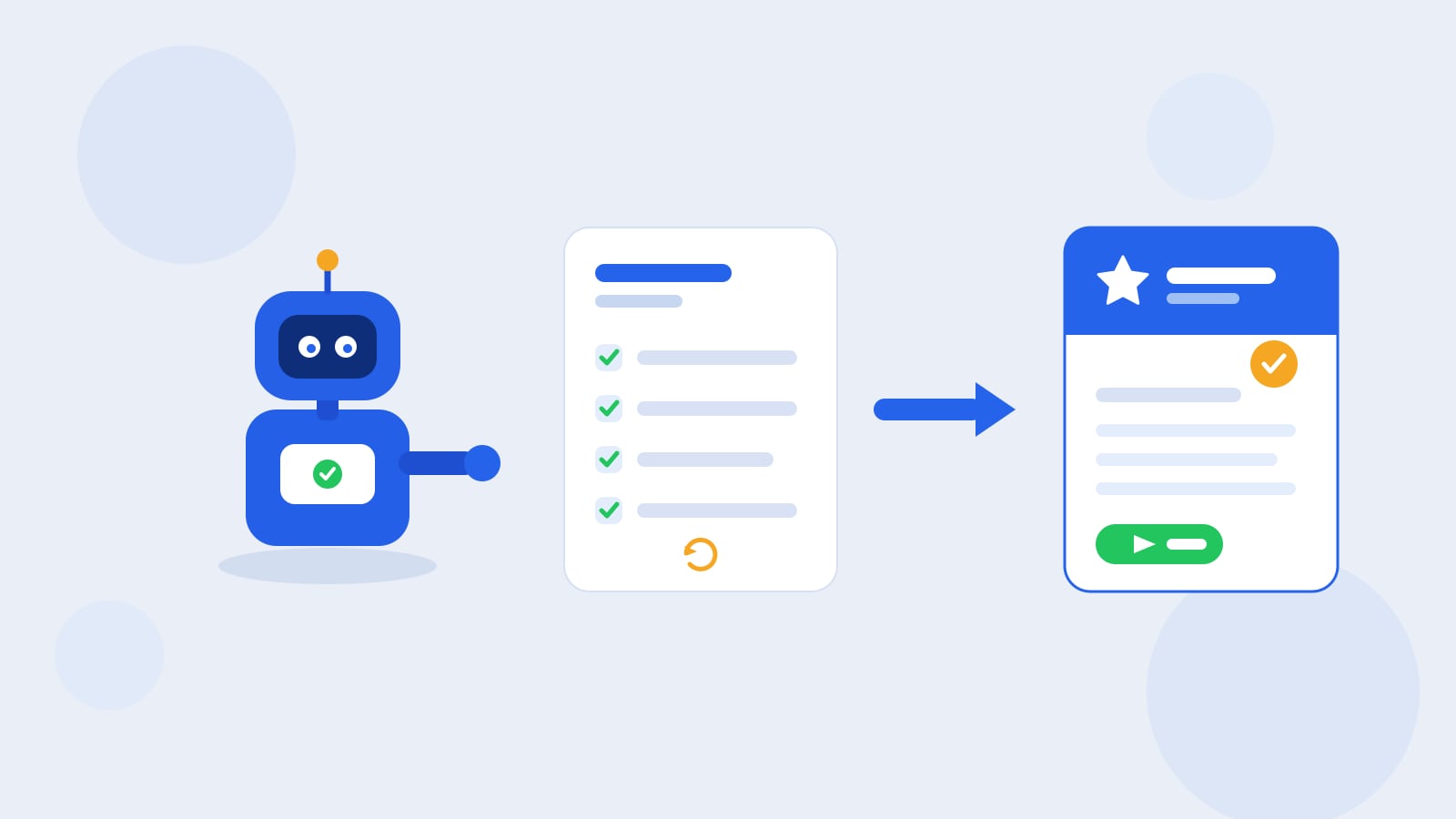
You should only explain a task once
Think about the process you walked a new hire through last month, then walked the next hire through again in almost the same words. A weekly numbers pull. A client intake. The three-message sequence you send every new lead. You know it cold, but the knowledge lives in your head, and every time someone new needs it you spend the same half hour spelling it out.
The same thing happens with an AI assistant, even a capable one that keeps your history. The thread where you got the follow-up exactly right last month is still there. The catch is that to use it again you have to find that thread, reopen it, and walk the assistant through the work a second time, and a third. The know-how is real, but it is yours to dig up and re-drive by hand each time, and it stays locked in your own account, so a Team Member who needs the same result starts from scratch.
A Skill is how you stop redoing it. In Kolo you take a process you repeat and codify it once into a named, reusable action, and from then on anyone who needs it runs it the same way on demand, without reopening an old thread or re-explaining a thing. This post is a practical guide to picking the right process and turning it into a Skill.
What makes a workflow worth codifying
Not every request needs to become a Skill. The ones that pay off share three traits:
- You repeat it. Once a week, once a day, once per new client. Frequency is what turns a saved process into saved time.
- It has a clear shape. There are steps, and the steps are mostly the same each time, even when the details change. A follow-up sequence has a shape; a one-off research question does not.
- The standard matters. You care that it comes out consistent: the same fields, the same tone, the same place the result lands. When "close enough" is not good enough, a Skill holds the line.
Good first candidates: a weekly report you assemble from the same sources, a new-client intake that always collects the same information, an invoice-tidying pass, a lead-follow-up sequence, a monthly close checklist. If you catch yourself typing similar instructions more than a couple of times, that is the signal.
How to turn it into a Skill
The move is simpler than writing documentation, because you are describing the work to your Kolo in plain language rather than building an automation by hand.
- Run it once, out loud. Walk your Kolo through the process the way you would brief a person: the trigger, the steps in order, the sources to pull from, the format of the output, and where it should end up. Be specific about the parts that have to stay consistent.
- Name it and save it as a Skill. Once the process does what you want, capture it as a Skill so it becomes a reusable action instead of a one-time chat. Give it a name your team will recognize later.
- Reuse it by asking. Next time, you re-explain nothing. You ask for the Skill by name, or your Kolo reaches for it when the situation fits, and it runs the way it did before.
The point is that the effort is front-loaded once. You refine the process a single time, and every run after that starts from the finished version instead of a blank prompt.
A Skill is a company asset, not a personal shortcut
Here is the part that changes the math. A Skill you build does not stay locked to your account. Skills are durable company assets: you can share them across the team, so the intake process you refined becomes the intake process everyone runs, and nobody has to reinvent it. That is also why a Skill outlasts the person who wrote it. When a Team Member moves on, the workflows they codified stay with the company, so the know-how that used to leave with people now stays in the business.
That is the difference between a Skill and the prompts people keep in a private notes app. A saved prompt helps one person until they forget where they filed it. A Skill helps the whole team and keeps helping after that person is gone.
If you have installed a Skill Pack, you have already seen the consumer side of this: a Pack is a bundle of Skills someone curated so you can stand up an area of work in one click. Building your own Skill is the producer side of the same system, and the best Skills often start as one person's fix for a task they were tired of repeating.
Approvals and the Audit Trail still apply
Codifying a workflow does not hand it a blank check. When a Skill acts, it runs under the same guardrails as anything else your Kolo does. Risk-tiered approvals still score each step low, medium, or high risk and pause the consequential ones for a person to sign off, so a Skill that sends an external message or moves money asks before it commits to the parts that matter. And every action the Skill takes is written to the full, exportable Audit Trail, so you can see exactly what ran, when, and who approved it.
That is what makes a reusable Skill safe to lean on. It is consistent because it is codified, and it is accountable because the approvals and the record travel with it.
Where to start
Pick the one process you are most tired of explaining. Run it with your Kolo the next time it comes up, tighten the steps until the output is what you want, and save it as a Skill. The second time you need it, you will feel the difference: no setup, no re-briefing, just the work done to the standard you already set. Then do it again with the next repeatable task, and the one after that, until the routines that used to live in your head live in your workspace instead, reachable by everyone who needs them across the web workspace, the mobile app, Slack, and SMS.
To put your team's best workflows to work this way, Book a Demo.
Frequently asked questions
What kinds of tasks make the best Skills?
Tasks you repeat on a schedule or per client, that follow the same steps each time, and where a consistent result matters. A weekly report, a client intake, or a follow-up sequence are strong candidates. A one-off research question is not.
Do I need to know how to code to build a Skill?
No. You describe the process to your Kolo in plain language, the way you would brief a new hire, then save it as a Skill. There is no scripting step to write.
Can other people on my team use a Skill I built?
Yes. Skills are shared company assets, so you can share the ones you build across the team, and they stay with the company even after the person who created them moves on.
Do approvals still apply when a Skill runs?
Yes. A Skill runs under the same guardrails as anything else. Risk-tiered approvals still pause the higher-risk steps for sign-off, and every action lands in your exportable Audit Trail.