AI Agents · August 10, 2026 · 4 min read
The Audit Trail: See and Export Every Action Kolo Takes
A chat log tells you what was said. Kolo's Audit Trail records what the agent actually did, on which system, and who approved it, all filterable and exportable.
By The Kolo Team, Kolo AI
A chat log tells you what was said, not what was done
When an AI assistant only answers questions, a transcript is enough to know what happened, because talking was the whole activity. The moment an agent starts doing the work, sending messages, updating records, moving money, scheduling jobs, that transcript stops being a full account. It shows the discussion that led to an action, but not the action itself: whether it ran, what it touched, and how it turned out.
That is the gap the Kolo Audit Trail is built to close. Kolo is an AI employee that acts across your stack, so it keeps a record of the things it did, separate from the things it said. Every action lands in a log you can read, filter, and export, which turns "I think it sent that" into a record you can point to.
Every action, on the record
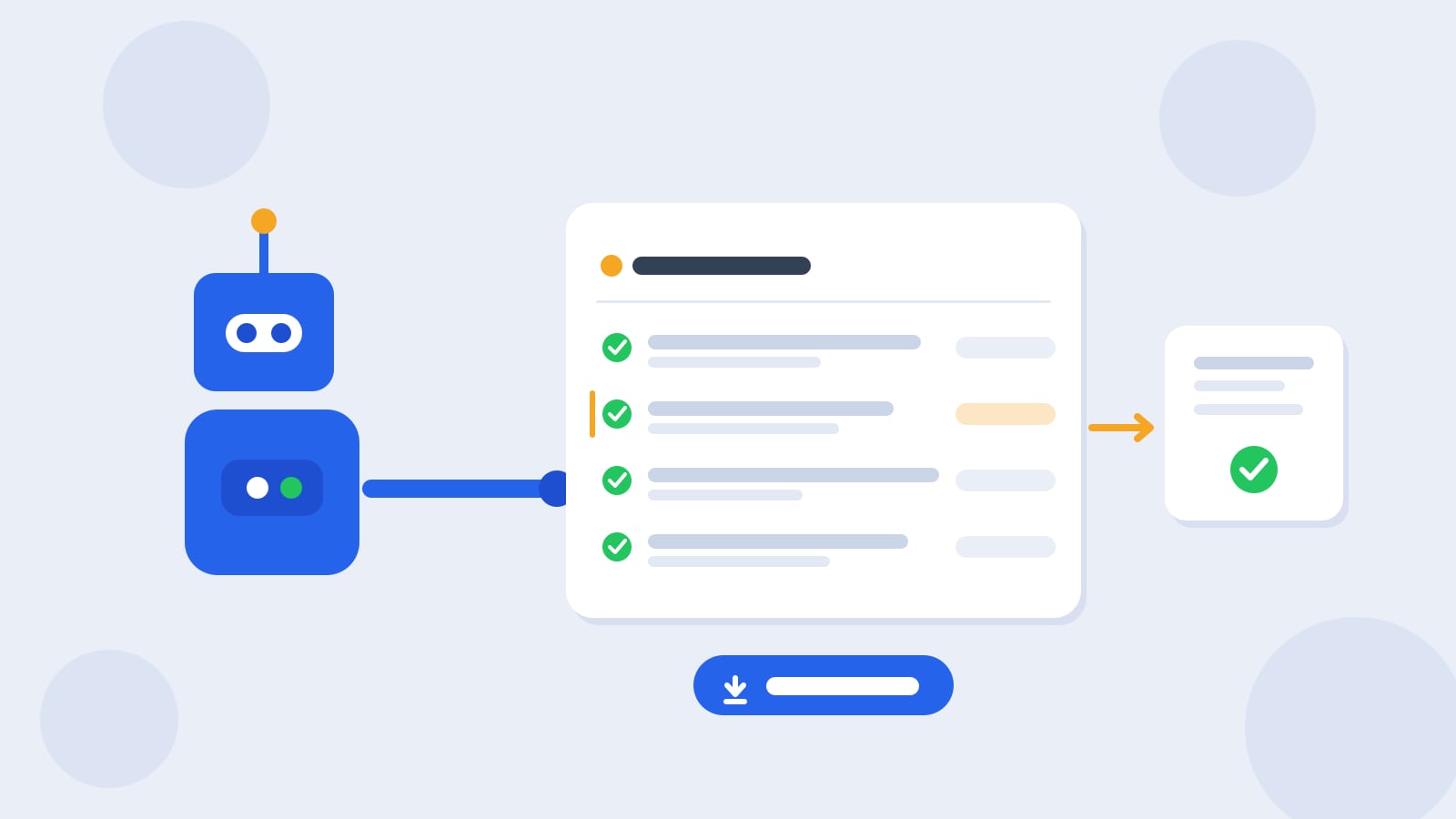
An entry in the Audit Trail is an action, not a message. When Kolo does something with real-world effect, it writes down the specifics: what the action was, which connected system it ran against, the time it happened, and the Team Member whose Kolo carried it out. For anything that passed through review, the entry also carries who approved it and any reason attached to a rejection, so the sign-off travels with the action instead of living in a separate thread.
This is a different unit of record than a conversation. A thread might spend ten minutes deciding how to word a follow-up, but the fact that matters later is a single line: the invoice was sent to this customer, on this date, by this person's Kolo. The Audit Trail captures that line directly rather than asking you to reconstruct it from a wall of chat.
Filter and export when you actually need it
A log only helps if you can get to the part you need. The Audit Trail supports filtering by Team Member, by action type, and by time range, so pulling "everything Kolo did for this client last month" or "every external message sent this week" is a query, not an afternoon of scrolling.
Export is the other half. You can take the filtered result out of Kolo as a file, which matters in the moments accountability is usually demanded:
- A client or customer disputes what happened. Instead of screenshots stitched together, you export the relevant actions with their timestamps and approvals.
- An auditor or a partner asks for evidence of controls. You hand over a record of what the agent did and who signed off, produced from the system itself.
- Something went wrong and you need to trace it. You filter to the window in question and read the sequence of actions in order, rather than guessing from memory.
Because the record is exportable, it can live wherever your accountability already lives, in a case file, a compliance folder, or a board packet.
Built so you can prove what the agent did
Keeping a durable log of automated actions is moving from good practice to expectation. The EU AI Act requires high-risk AI systems to automatically record events over their lifetime and retain those logs for at least six months, so that what a system did can be reviewed after the fact rather than reconstructed (EU AI Act, Article 12, record-keeping, accessed August 2026). The direction is clear: as agents take on more consequential work, being able to show what they did is part of being allowed to use them.
Kolo is built for that posture from the start. The point of recording actions rather than only conversations is that a record of what was said cannot answer the question that actually gets asked, which is what was done. Positioning the trail around actions, and making it exportable, is what lets a team in regulated or client-sensitive work adopt an AI agent instead of keeping it at arm's length.
Who did what, across the team
In a shared workspace, accountability is also about people. Each Team Member has their own Kolo, and the actions each one takes flow into a trail the right people can review. Access follows roles: Admins see the whole record, while everyone else sees the actions on their own work. Organization owners get a team-wide view through Boss Mode without prompting anyone or reading their chats, and every Boss Mode query is itself recorded in the audit log, so that level of oversight stays on the record rather than becoming a back channel.
The Audit Trail also completes the approval story. Kolo's risk-tiered approvals decide which actions pause for a human before they run; the Audit Trail is where those decisions are preserved afterward. Approvals set what is allowed to happen, and the trail records what did happen, so control and evidence are two halves of the same system rather than separate tools you have to reconcile.
That combination, an agent that acts, pauses on the consequential steps, and logs all of it in a record you can export, is what makes it reasonable to trust real work to an AI employee. See how the Audit Trail fits the way your team works, and Book a Demo.
Frequently asked questions
What does Kolo's Audit Trail actually record?
It records the actions Kolo took, not just the conversation. Each entry captures what the action was, which system it touched, when it ran, and, for anything that needed sign-off, who approved it and any reason attached to a rejection.
How is this different from my chat history?
Chat history is a transcript of what was discussed. The Audit Trail is a log of what was carried out. A frontier chat product can show you the conversation, but it cannot show you that an invoice was sent or a record was updated, because it did not take those actions.
Can I export the audit records?
Yes. You can filter the trail by member, action type, or time range and export the result, so you can hand a clean record to a client, an auditor, or your own files instead of taking screenshots.
Who can see the Audit Trail?
Access follows roles in your workspace. Admins can review the whole trail, while other roles see the actions on their own work. Organization owners get a team-wide view through Boss Mode, and every Boss Mode query is itself recorded in the audit log.